How to Install a Rideshare Dash Cam: Cabin and Rear Setup
How to install a rideshare dash cam: aim the cabin camera, route the rear cable, hardwire for all-shift power and post a recording notice, step by step.
Disclosure: Dashlore earns a commission on purchases made through some links on this page, at no added cost to you. Scores come from the spec rubric, never from commission rates. Details
On this page
Key takeaways
- Mount the main unit behind the rearview mirror so the cabin camera sees every seat and both rear doors.
- Measure the run before you buy: the VIOFO A229 Pro 3CH ships a 6 m rear cable and the Vantrue N5S a 20 ft one, enough for most sedans and SUVs routed along the headliner.
- Hardwire with a fuse-tap kit if you want parking mode. Both cams need an optional hardwire kit for it, and a 12V socket can't power a parked cam once the ignition is off.
- Post a recording notice inside the car. Uber's guidelines allow dash cams but tell drivers to check local consent laws.
To install a rideshare dash cam, mount the main unit behind the rearview mirror and aim the cabin camera so it sees every seat. Route the rear camera cable along the headliner to the back glass, then hardwire to the fuse box for all-shift and parking power. Finish with a passenger recording notice.
This guide uses two popular multi-channel cams as worked examples: the 3-channel VIOFO A229 Pro 3CH and the 4-channel Vantrue N5S. The steps apply to any cam with a cabin camera. If you haven’t picked one yet, start with our best dash cam for rideshare ranking or the A229 Pro 3CH vs N5S comparison. For the rules on running a camera while driving for Uber or Lyft, see our Uber and Lyft dash cam rules guide.
What do you need to install a 3-channel dash cam?
- The cam and its cables. VIOFO lists a 6 m rear camera cable, a 1 m interior camera cable and a 3.5 m car charger in the A229 Pro 3CH box. BlackboxMyCar lists the N5S with a 20 ft rear camera cable, an 11.5 ft car charger cable and six cable clips.
- A hardwire kit if you want parking mode. VIOFO’s is the HK4 for the A229 series; its cut-off voltage setting needs the HK6 instead. Vantrue’s is sold separately too.
- A high-endurance microSD card. Three or four channels write a lot of video. Both cams take large cards: 512 GB on the A229 Pro 3CH and 1 TB on the N5S. Our SD card guide explains sizing and endurance ratings.
- A plastic trim tool, a fuse-tap kit matched to your car’s fuse type, a circuit tester and a few zip ties.
- A recording notice sticker for each rear window.
| Spec | 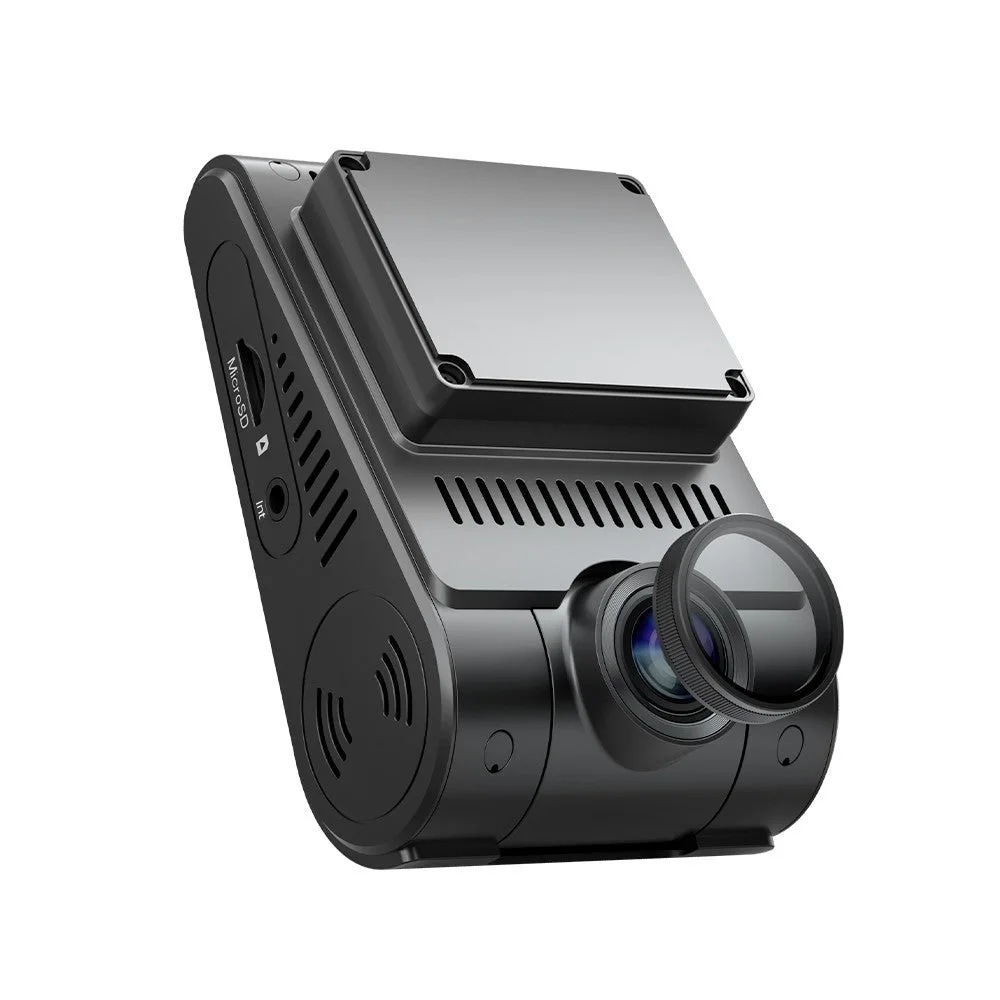 | Vantrue Nexus 5S (N5S) |
|---|---|---|
| Score | 8.7 | 7.8 |
| Front resolution | 2,160 px | 1,944 px |
| Front frame rate | 30 fps | 30 fps |
| STARVIS 2 sensor | Yes | Yes |
| HDR | Yes | No |
| Coverage (channels) | 3 | 4 |
| Rear resolution | 1,440 px | 1,440 px |
| Cabin resolution | 1,080 px | 1,080 px |
| Cabin infrared | Yes | Yes |
| Buffered parking mode | Yes | Yes |
| Low-bitrate parking | Yes | Yes |
| Heat tolerance (power cell) | supercapacitor | supercapacitor |
| GPS | built-in | built-in |
| Wi-Fi transfer | 5GHz | 5GHz |
| Max storage | 512 GB | 1,024 GB |
| LTE / cloud | No | No |
| Front pixels per degree | 27.43 px/° | 16.41 px/° |
| Rear STARVIS 2 sensor | Yes | Yes |
| Time-lapse parking | Yes | Yes |
| Max operating temperature | 65°C | 60°C |
| Price | $379.99 at VIOFO, Nov 20 | $293.99 at Vantrue, Nov 20 |
| Where to buy | Check price on Amazon | Check price on Amazon |
How to install it, step by step
- Dry-fit before you stick anything. Power the cam from the 12V socket, hold it behind the mirror and check the live view on the screen or app. Both of these cams have screens, a 2.4-inch on the VIOFO and 3.19-inch on the Vantrue, which makes this step quick.
- Clean the glass and mount the main unit. Stick it high, behind the mirror, inside the wiper sweep. Our dash cam mounting guide covers placement rules. Leave the cabin camera’s view clear of the mirror body.
- Aim the cabin camera (see the next section).
- Route the power cable across the headliner, down the passenger-side A-pillar and under the glovebox to the fuse box or 12V socket.
- Route the rear camera cable along the headliner to the back glass (see below).
- Mount the rear camera at the top center of the rear window, between the defroster lines if your glass has them.
- Connect power, start the car and confirm every channel records.
- Set up parking mode, IR and audio, then apply the passenger notice.
Where should the cabin camera point?
At the middle of the back seat, slightly down. You want both rear doors and all seats in frame, plus the front passenger. Disputes often start as a rider gets in or out, so don’t crop the doors out.
How you aim it depends on the camera:
- VIOFO A229 Pro 3CH. The interior camera is a separate module on a 1 m cable, so you can place it beside the main unit and angle it independently. It uses a 1080p STARVIS IMX307 sensor and switches on four infrared LEDs in low light.
- Vantrue N5S. It has two 1080p cabin cameras, each on a STARVIS 2 IMX662 sensor with a 160° field of view. The N5S user manual lists 4 IR LEDs on the front cabin camera and 12 on the rear cabin camera. Point one at the front seats and one at the rear, and you don’t have to compromise on a single angle.
Keep the cabin lens away from the windshield edge, and don’t aim it straight at a side window. A bright window in frame drags the exposure down and darkens faces.
How do you route the rear camera cable?
Tuck it into the gap between the headliner and the windshield, then run it along the headliner toward the back. Use the trim tool, not a screwdriver. On sedans, drop it down to the rear window at the top center. On SUVs and hatchbacks, you’ll have to cross into the tailgate, usually through the rubber boot that carries the factory wiring. That’s the fiddliest part of the job, and our rear dash cam install guide covers it in more detail.
Two rules keep it safe:
- Don’t run cables across airbags. Side curtain airbags deploy from the headliner and pillar trim. Tuck the cable behind the airbag, not over the face of the trim where it could be thrown free in a deployment.
- Leave slack at the tailgate hinge so opening the hatch doesn’t pull the connector.
Measure first. A headliner run on a midsize SUV can eat most of a 6 m cable once you add the drop down the tailgate. If you’re short, buy the maker’s longer rear cable rather than splicing. Our dash cam rankings list which 3-channel cams suit larger vehicles.
Should you hardwire or use the 12V socket?
Hardwire if you drive full shifts or want parking mode. The 12V socket is fine for recording while driving, but in many cars it switches off with the ignition. That means no recording while you’re parked between rides or overnight.
Both cams use supercapacitors rather than batteries, which survive a hot dashboard (65 °C on the VIOFO, 60 °C on the Vantrue) but can’t run the camera on their own once power cuts out. So parking mode on either needs the hardwire kit:
| VIOFO A229 Pro 3CH | Vantrue N5S | |
|---|---|---|
| Parking modes | Buffered, time-lapse, low-bitrate | Buffered, time-lapse, low-bitrate |
| Hardwire kit | HK4 (optional; HK6 for cut-off voltage) | Optional kit, required for parking |
| Power cell | Supercapacitor | Supercapacitor |
| Max operating temp | 65°C | 60°C |
Our dash cam hardwiring guide has the full walkthrough, and our parking mode setup guide covers the software side. In short, a hardwire kit taps three points in the fuse box: a constant (BATT) circuit, an ignition-switched (ACC) circuit and ground. Use a circuit tester to find one fuse that’s live all the time and one that’s live only with the key on. If your kit has a low-voltage cut-off, set it so a long parking session can’t drain the battery — our battery drain guide covers the math. On VIOFO, that setting needs the HK6 rather than the HK4.
How do you add a passenger recording notice?
Put a clear notice where riders see it before they speak: on both rear side windows, or the back of the front headrests. Something like “Audio and video recording in progress” covers both.
This matters because consent rules differ by location. Uber’s community guidelines let drivers install and use dash cams, but note that some places require people to consent to being recorded and tell drivers to check their local laws. The same guidelines prohibit posting a recording of someone on social media.
Our dash cam laws by state guide covers mounting rules, and our dash cam audio recording laws guide lists the all-party consent states. If you’re unsure about audio in your state, you can turn audio recording off in either cam’s settings and keep video running.
Why is the cabin footage too dark?
Work through these in order:
- IR is off or set to manual. Both cams use infrared for the cabin at night. Check that it’s on or set to auto.
- The lens sees a bright window. Re-aim so streetlights and headlights through the side glass are out of frame.
- IR is bouncing off glass. If the cabin lens sits too close to the windshield or the rear glass is in frame, IR can reflect back and wash out the image. Pull the camera away from the glass.
- The sensor is the limit. The A229 Pro 3CH’s cabin camera uses the older STARVIS IMX307, while the N5S’s cabin cameras use STARVIS 2 IMX662. If low-light cabin detail matters most, that’s a reason to prefer a STARVIS 2 cabin sensor. Our STARVIS 2 explainer covers the difference.
- The lens is dirty. Fingerprints from riders are common on interior lenses. Wipe it weekly.
What if the rear camera won’t record?
Reseat the connector at both ends, then check that the cable isn’t kinked at a trim panel or the tailgate hinge. If the image is upside down or mirrored, flip it in settings. Rear cameras can mount either way up.
When everything’s running, check a few clips from a real shift on your phone. Use the dash cam finder if you decide you need different coverage.
Frequently asked questions
Where should a rideshare dash cam be mounted?
Behind the rearview mirror, high on the windshield. That keeps it out of your sightline and gives the cabin camera a view of the front and rear seats and both rear doors.
Do I need to hardwire a rideshare dash cam?
Not to record while driving, but yes for parking mode. The VIOFO A229 Pro 3CH and Vantrue N5S both need an optional hardwire kit for parking recording.
Do I have to tell Uber or Lyft passengers I'm recording?
Uber's community guidelines allow drivers to use dash cams, but note that some places require consent to be recorded and tell drivers to check local laws. A visible notice in the car is the simplest way to cover that.
Why is my dash cam's cabin footage dark at night?
Usually the infrared isn't on, the lens is aimed at a bright window, or a window tint is reflecting IR back at the camera. Check the IR setting, re-aim the cabin camera and clean the lens.
How long does it take to install a rideshare dash cam?
A plug-and-play install with the 12V socket takes about 30 minutes. A full hardwire with rear camera cable routing takes one to two hours, depending on the vehicle and how much trim you need to remove.
Related reading
GuideDash Cams
Dash Cam Audio Recording Laws: One- vs Two-Party States
Dash cam audio recording laws by state: the 11 all-party consent states with statutes, when cabin audio needs a passenger notice, and how to mute your cam.
GuideDash Cams
What SD Card Does a Dash Cam Need? Size and Endurance
What SD card does a dash cam need? A high-endurance U3/V30 microSD, sized to your channels and within your cam's limit, from 128GB to 1TB in our data.
GuideDash Cams
Uber and Lyft Dash Cam Rules: What Drivers Must Know
Uber and Lyft dash cam rules: both allow driver dash cams, but audio consent laws, rider notice and posting footage online carry real risks. What to know.
Best ofDash Cams
Best Dash Cam for Rideshare: Uber and Lyft Picks Ranked
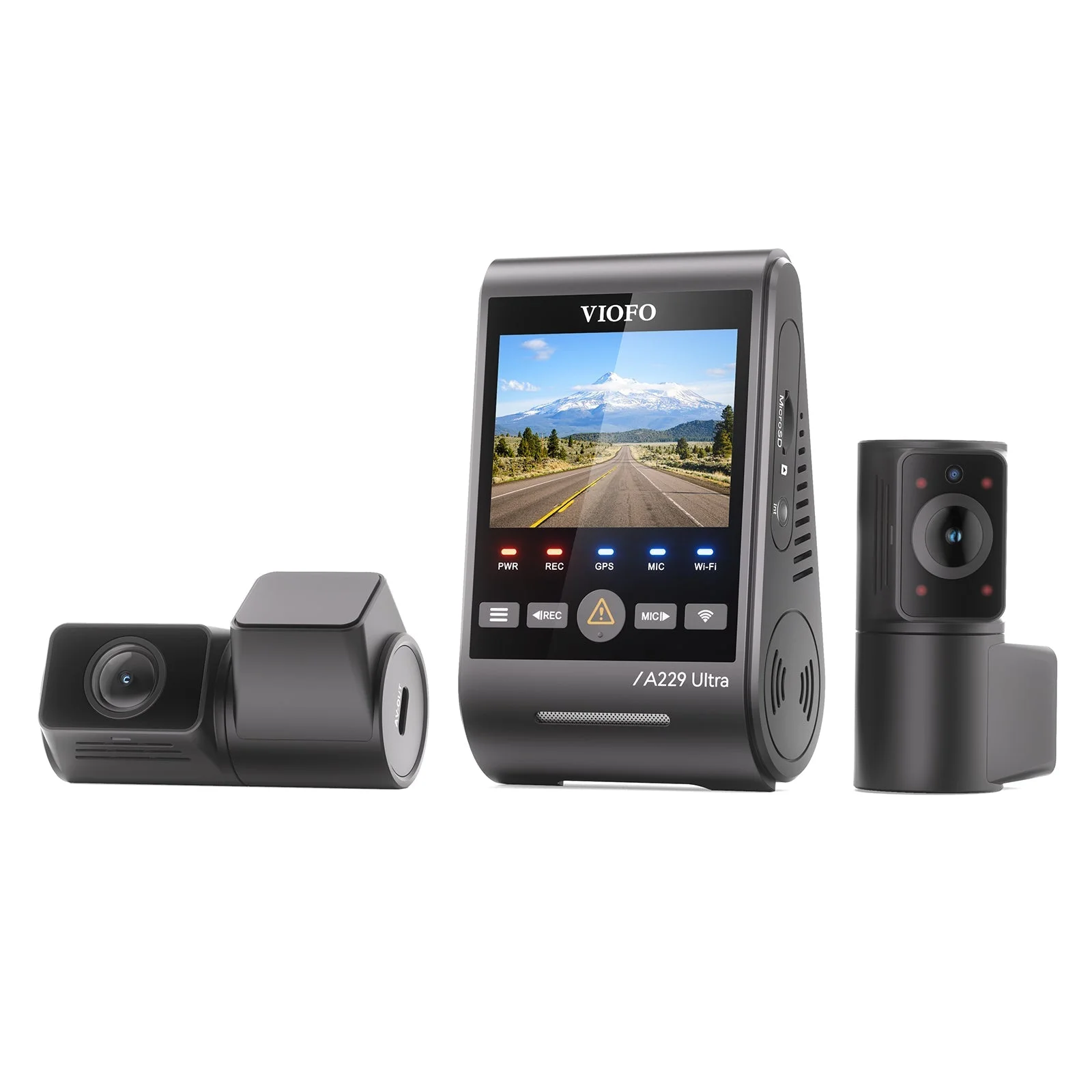
The best dash cam for rideshare is the VIOFO A229 Ultra 3CH, ranked #1 among every cam we track with a 1080p-plus cabin camera. Full rankings.