What SD Card Does a Dash Cam Need? Size and Endurance
What SD card does a dash cam need? A high-endurance U3/V30 microSD, sized to your channels and within your cam's limit, from 128GB to 1TB in our data.
Disclosure: Dashlore earns a commission on purchases made through some links on this page, at no added cost to you. Scores come from the spec rubric, never from commission rates. Details
On this page
Key takeaways
- Buy a high-endurance microSD card rated U3 or V30. Dash cams overwrite the card around the clock, which wears out ordinary cards.
- Card limits vary eightfold across the dash cams we track, from 128GB to 1TB, and most of them stop at 512GB.
- Two 4K channels at 30 Mbps each write about 27GB an hour, so a 256GB card holds roughly nine hours before loop recording overwrites the oldest footage.
- Cards over 32GB are SDXC and use exFAT. Format the card in the camera, not on a computer, and treat it as a consumable.
A dash cam needs a high-endurance microSD card rated U3 or V30, sized to how many channels you record and no larger than your camera’s maximum. Across the 45 dash cams we track, that maximum runs from 128GB to 1TB. For a dual 4K cam like the BlackVue Elite 10-2CH, 256GB to 512GB is the sensible range.
What SD card does a dash cam need?
Four specs matter, in this order:
| Spec | What to buy | Why |
|---|---|---|
| Endurance | “High endurance” or industrial-grade | Dash cams overwrite the card constantly |
| Speed class | U3 or V30 | Guarantees 30MB/s sustained write speed for multi-channel 4K |
| Capacity | Up to your cam’s maximum | Bigger cards keep a longer loop history |
| Format | microSDXC (over 32GB), exFAT | The standard file system for cards above 32GB |
Brand matters less than those four lines, with one exception: buy from a reputable seller. Counterfeit cards that report more capacity than they have are a known problem, and a dash cam will happily record to one until it silently corrupts.
Some makers sell their own cards. VIOFO lists a U3 A2 V30 industrial microSD card in 64GB to 512GB sizes as an option for the A229 Pro 3CH, described as a high-endurance card built for 4K recording. BlackVue includes a microSD card in the Elite 10-2CH box. VIOFO’s own guide explicitly warns against some consumer cards that don’t meet their endurance requirements, which underscores why high-endurance matters more than brand name.
Why use a high-endurance card?
A dash cam is the hardest job a microSD card can do. It writes video every second the car is on, and in parking mode it keeps writing while the car is off. When the card fills, loop recording deletes the oldest file and writes over it. Then it does it again, around the clock, for years.
Flash memory wears out a little every time a cell is rewritten. Ordinary cards are built for phones and cameras, which fill a card slowly and rarely rewrite it. High-endurance cards are built for continuous overwriting, and their makers rate them for far more write cycles, often stated as hours of continuous recording. They usually carry a wider operating temperature range too, which matters on a sun-baked windshield where cams like the VIOFO A229 Pro 3CH and Elite 10-2CH are rated to 65°C.
The failure mode is what makes this important. A worn card doesn’t usually stop working outright. It starts dropping files or writing corrupt clips, and you won’t know until you go looking for the one clip you need. Event files are protected from being overwritten by the loop recording system, but protection doesn’t help if the card can’t hold the data.
What speed class do you need?
U3 or V30. Both guarantee a minimum sustained write speed of 30MB per second. The older Class 10, U1 and V10 marks all guarantee 10MB per second, per the SD Association’s speed class overview.
Here’s why 30MB/s is the right floor. BlackboxMyCar’s Elite 10-2CH listing puts its default High setting at 30 Mbps per camera, and its maximum at 60 Mbps front plus 30 Mbps rear. That works out to:
- Default, two 4K channels: 60 Mbps, or 7.5MB per second.
- Maximum setting: 90 Mbps, or about 11MB per second.
The maximum setting alone exceeds what a 10MB/s card guarantees. Add a third channel, or the card’s own housekeeping while it deletes and rewrites, and a V10 card is running past its rated floor. A V30 card has about three times the headroom.
You don’t need faster than V30. V60 and V90 are aimed at professional cameras, and the “A1” or “A2” app-performance marks are about running apps from the card, which a dash cam doesn’t do.
What size card should you buy?
Size it to your channels and resolution. The more data your cam writes per hour, the bigger the card needs to be to keep a useful history. Using the Elite 10-2CH’s default of 30 Mbps per 4K camera, roughly 27GB an hour for both:
| Card | Two 4K channels at 30 + 30 Mbps |
|---|---|
| 64GB | About 2 hours |
| 128GB | About 4.5 hours |
| 256GB | About 9 hours |
| 512GB | About 18 to 19 hours |
| 1TB | About 34 hours (BlackboxMyCar’s estimate) |
A 1080p or 1440p single-channel cam writes far less, so the same card lasts several times longer. Our rule of thumb:
- One channel, 1080p or 1440p: 128GB is plenty.
- One channel 4K, or two channels at 1440p: 256GB.
- Two 4K channels, or any 3-channel cam: 512GB, or the largest your cam supports.
Why so much? Because you won’t always pull a clip the same day. If someone hits your parked car on Friday and you notice on Monday, the card has to hold the whole weekend of parking footage. Parking modes that drop the bitrate or switch to time-lapse stretch that further — our parking mode explainer covers the options, and our parking mode setup guide walks through the install. Rideshare drivers who run three channels all shift should lean toward 512GB; we cover camera picks for that use case separately.
What is the largest card your cam supports?
Check before you buy. A card larger than the cam’s maximum may not format or may not record reliably. Here’s how the dash cams in our database break down:
| Max card | Models | Examples |
|---|---|---|
| 128GB | 1 | Thinkware F70 Pro |
| 256GB | 6 | REDTIGER F7NP, Thinkware Q200, Thinkware U3000, the 70mai A810, Cobra SC 400D and Nextbase 622GW |
| 512GB | 25 | VIOFO A229 Pro 3CH and every other VIOFO, plus the 70mai T800, every Garmin, Miofive, BlackVue’s DR590X and Thinkware’s ARC900 and U3000 Pro |
| 1TB | 11 | BlackVue Elite 10-2CH and every BlackVue except the DR590X, plus the ROVE R2-4K DUAL PRO and Vantrue’s E1 Pro, E1 Pro S, N4 Pro S and N5S |
| Not listed | — | WOLFBOX G900TriPro, Vantrue N4 Pro |
Two patterns stand out. Every VIOFO caps at 512GB, including the 4K A229 Ultra models. And BlackVue’s 1TB support is the reason the Elite 10-2CH stands out among 4K-rear cams, as we noted in our 4K rear dash cam ranking.
Max storage is a small part of our dash cam rubric, about 3% of the overall score, scaled from 128GB to 512GB. It matters most for multi-channel 4K cams, where 256GB fills in a working day. You can compare every model’s limit on its spec page or in our dash cam rankings.
| Spec | 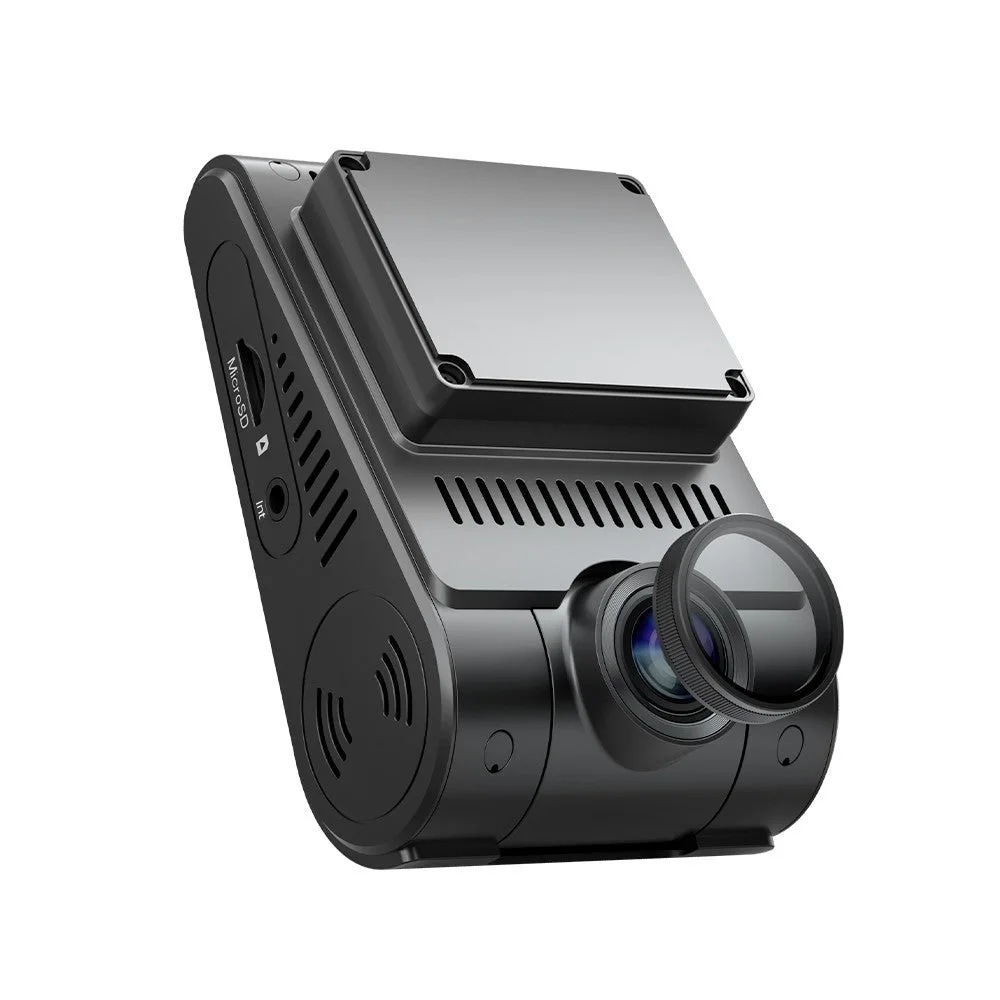 | 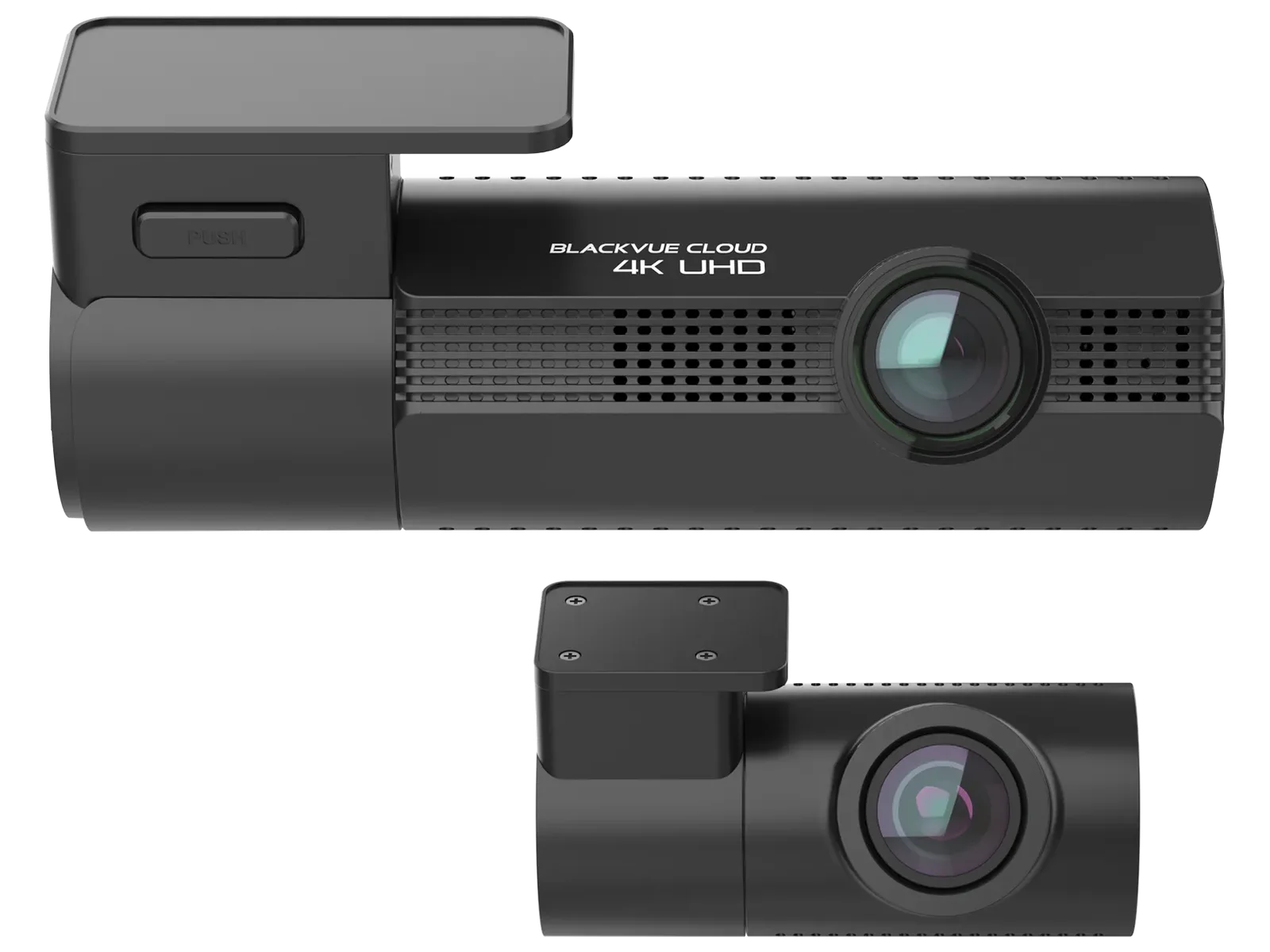 |
|---|---|---|
| Score | 8.7 | 7.7 |
| Front resolution | 2,160 px | 2,160 px |
| Front frame rate | 30 fps | 30 fps |
| STARVIS 2 sensor | Yes | Yes |
| HDR | Yes | Yes |
| Coverage (channels) | 3 | 2 |
| Rear resolution | 1,440 px | 2,160 px |
| Cabin resolution | 1,080 px | — |
| Cabin infrared | Yes | — |
| Buffered parking mode | Yes | Yes |
| Low-bitrate parking | Yes | No |
| Heat tolerance (power cell) | supercapacitor | supercapacitor |
| GPS | built-in | built-in |
| Wi-Fi transfer | 5GHz | 5GHz |
| Max storage | 512 GB | 1,024 GB |
| LTE / cloud | No | No |
| Front pixels per degree | 27.43 px/° | 26.3 px/° |
| Rear STARVIS 2 sensor | Yes | Yes |
| Time-lapse parking | Yes | Yes |
| Max operating temperature | 65°C | 65°C |
| Price | $379.99 at VIOFO, Nov 20 | $603.99 at BlackVue, Nov 20 |
| Where to buy | Check price on Amazon | Check price on Amazon |
How should you format the card?
In the camera. Cards over 32GB are SDXC, and the SD Association specifies exFAT as their file system. Formatting in the cam makes sure it uses the layout and folder structure that cam expects. A card formatted on a computer can trigger card errors or refuse to record.
Format a new card before first use. Many owners also reformat every few weeks to clear fragmentation and catch problems early. Export anything you want to keep first, because formatting erases every file, including protected event clips.
How often should you replace the card?
Treat the card as a consumable, like wiper blades. How long it lasts depends on how much your cam writes. A 3-channel 4K cam in parking mode all night wears a card far faster than a 1080p cam on a short commute.
Our advice:
- Check a clip every few weeks. Open a recent file on your phone. If it plays, the card is working.
- Replace at the first sign of trouble. Card error messages, gaps in the file list or clips that won’t open all mean the card is going.
- Replace on a schedule for heavy use. If you drive for rideshare or run parking mode every night, don’t wait for a failure. Replace it well inside the endurance rating the maker publishes.
A new high-endurance card is cheap next to an insurance claim you can’t prove. If you’re wondering whether a dash cam pays for itself at all, our breakdown of dash cams and insurance covers what insurers actually say.
Why do cards fail in dash cams?
Most failures trace to one of five causes:
- Wear. Constant overwriting uses up the flash memory’s write cycles. That’s the reason to buy high-endurance.
- Heat. A card in a cam behind a windshield can get far hotter than any phone. Cams rated for heat, like the Elite 10-2CH and A229 Pro 3CH at 65°C, still need a card rated for the same range. If you drive in extreme temperatures, our cold-weather dash cam picks cover models with the widest operating ranges.
- Power cuts mid-write. If power drops while a file is being written, that file can corrupt. Both the Elite 10-2CH and A229 Pro 3CH use supercapacitors, which hold enough charge to close out the file at shutdown.
- Counterfeits. Fake cards claim more capacity than they have, then overwrite their own data when they run out.
- Wrong card for the cam. A card larger than the supported maximum, or too slow for the bitrate, causes errors from day one.
Get those right and a card should give you clean, reliable footage until you choose to replace it. For help picking a cam whose storage limit fits how you drive, our how to choose a dash cam guide covers all nine specs that matter, and you can filter by channels and resolution in our dash cam finder.
Frequently asked questions
What SD card does a dash cam need?
A high-endurance microSDXC card rated U3 or V30, no larger than your camera's maximum. High-endurance cards are built for continuous overwriting, and V30 guarantees enough sustained write speed for multi-channel 4K.
What size SD card should I get for a dash cam?
For a 4K front and rear cam, 256GB is a sensible minimum and 512GB a good default. A 1080p or 1440p single-channel cam does fine with 128GB. Never exceed your cam's listed maximum.
Can I use a regular SD card in a dash cam?
It will work at first, but ordinary cards aren't designed for constant rewriting and tend to fail sooner. A failed card usually goes unnoticed until you need a clip, so pay the extra for high-endurance.
How often should you replace a dash cam SD card?
Treat it as a consumable. Replace it at the first sign of trouble, such as card errors, missing clips or files that won't open, and check a clip every few weeks so you find out before an incident does.
Why does my dash cam say SD card error?
Common causes are a worn-out card, a counterfeit or slow card, a card larger than the camera supports, or a card formatted on a computer. Reformat it in the camera first; if the error returns, replace the card.
Related reading
Best ofDash Cams
Best Dash Cams: Every Major Model Ranked by Spec
Every dash cam we track, ranked on a published rubric, with picks for front and rear, 4K plate detail, night driving, parking mode and under $200.
GuideDash Cams
How to Choose a Dash Cam: 9 Specs That Actually Matter
How to choose a dash cam from the real spread of specs across every model we track: channels, 4K vs 1440p, STARVIS 2, supercapacitors, parking and GPS.
DataDash Cams
STARVIS 2 Explained: Which Dash Cams Have It
STARVIS 2 explained: what Sony's sensor tech adds over STARVIS, how the IMX678 and IMX675 differ, and which dash cams in our database use each one.
GuideDash Cams
Dash Cam Audio Recording Laws: One- vs Two-Party States
Dash cam audio recording laws by state: the 11 all-party consent states with statutes, when cabin audio needs a passenger notice, and how to mute your cam.