Best Dash Cam for Tesla: Model 3 and Model Y Picks
The VIOFO T330 3CH is the best dash cam for a Tesla Model 3 or Model Y. We rank screenless cams with 1440p-plus rear cameras vs Sentry Mode.
Disclosure: Dashlore earns a commission on purchases made through some links on this page, at no added cost to you. Scores come from the spec rubric, never from commission rates. Details
On this page
Key takeaways
- The VIOFO T330 3CH has the top Dashlore Score (9.0) among screenless cams scoped for Tesla: 4K front, 2K rear, a 2K infrared cabin camera and HDR on all three STARVIS 2 channels.
- We scoped the list to screenless cams with a rear camera of 1440p or better, so they tuck beside Tesla's camera housing and capture the rear glass in detail.
- Among two-channel kits, the BlackVue Elite 10-2CH leads with 4K on both front and rear cameras, though multiple reviewers recommend the cheaper Elite 9-2CH for its rear HDR.
- A dedicated dash cam adds what Tesla's built-in Dashcam and Sentry Mode lack: a 4K STARVIS 2 front sensor, its own GPS log, cabin recording and parking recording that doesn't depend on the car staying awake.
- Every pick is a supercapacitor cam rated to at least 60 degrees C, and because Tesla's low-voltage battery is small, a battery pack is the safest way to run parking mode.
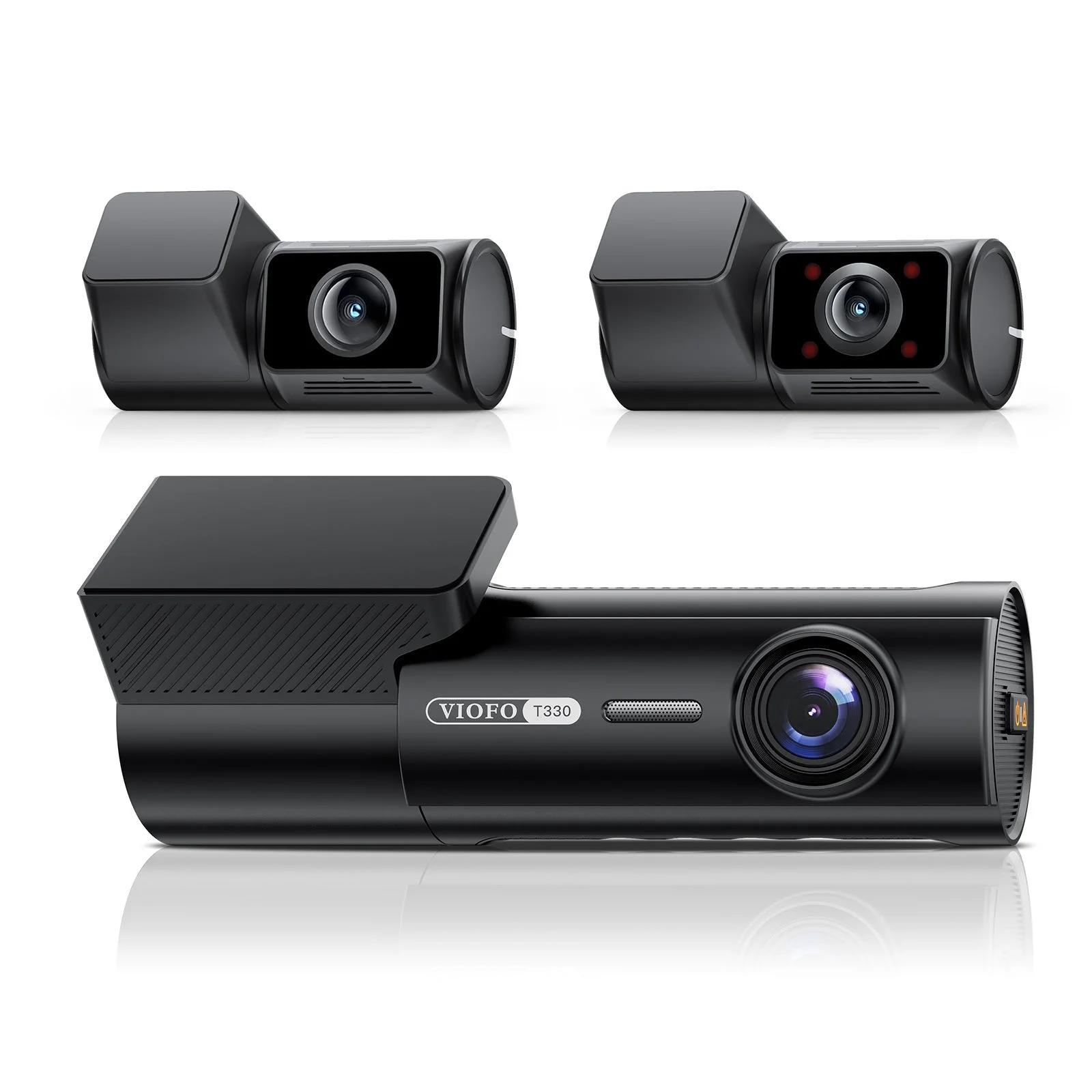
The best dash cam for a Tesla Model 3 or Model Y is the VIOFO T330 3CH. It leads our ranking of screenless cams with a 1440p-or-better rear camera—Dashlore Score 9.0—with 4K front, 2K rear, a 2K infrared cabin camera and HDR on all three STARVIS 2 channels. For a two-channel kit, the BlackVue Elite 10-2CH is the top scorer.
Our picks at a glance
- Best overall
- Best two-channel
- Best two-channel with rear HDR (tied for #4)
- Best radar parking mode (tied for #4)
How we picked Tesla dash cams
Teslas have two quirks that shape the shortlist. The center of the windshield behind the mirror is taken by Tesla’s own camera housing, so a dash cam has to sit beside it, where a screen would face nobody and draw attention. And the Model 3 and Model Y have large rear glass, so a weak rear camera wastes the view. We filtered our database to dash cams with no screen and a rear camera of 1440p or better, then ranked them by our published dash cam rubric. The VIOFO T330 3CH and T340 3CH tie at the top (Dashlore Score 9.0); we pick the T330 because it runs HDR on all three channels. Among two-channel cams, the BlackVue Elite 10-2CH leads (7.7). “Best overall” is the top score in scope; every other label states its filter.
Every pick is a supercapacitor cam rated to at least 60°C, which matters under Tesla’s glass roof.
1. VIOFO T330 3CH: best overall
Best overall
VIOFO T330 3CH
- Front resolution
- 2,160 px
- Coverage (channels)
- 3
- STARVIS 2 sensor
- Yes
- Buffered parking mode
- Yes
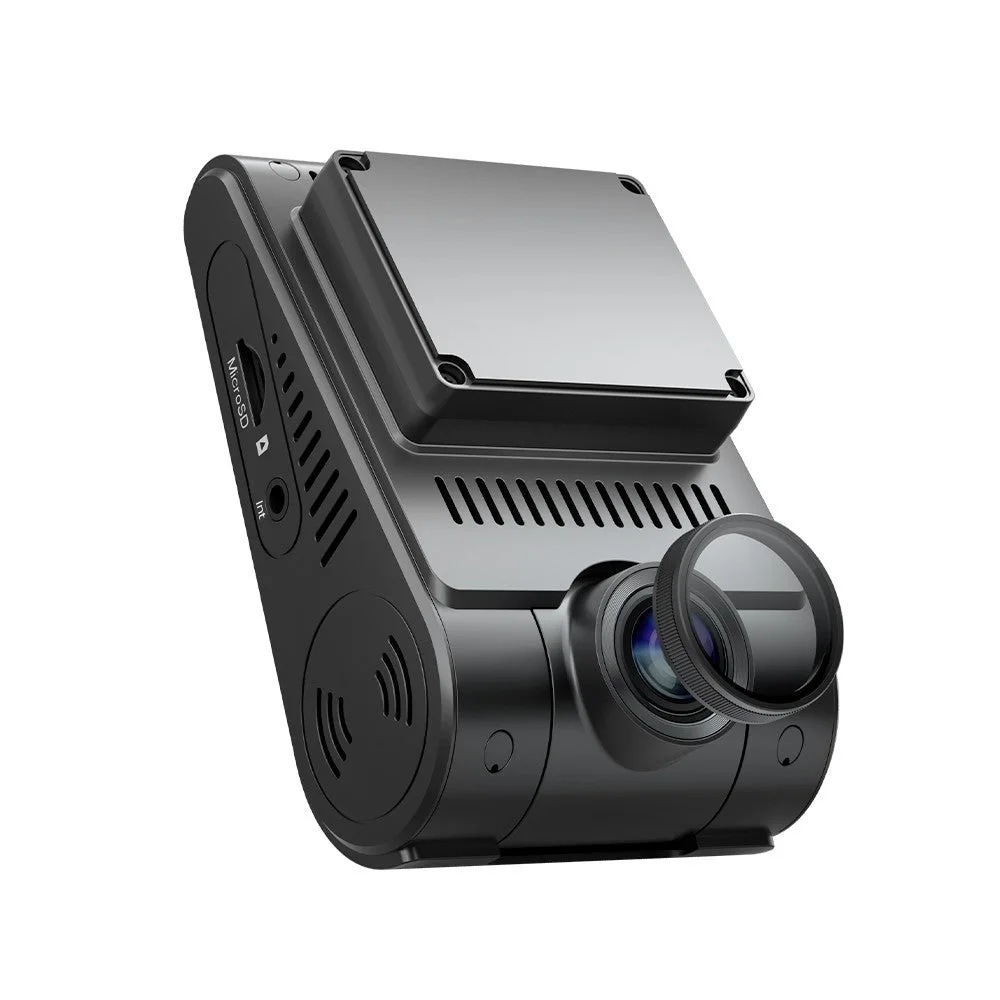
A screenless three-channel dash cam with 4K front, 2K rear and a 2K 210° fisheye cabin camera with IR LEDs, all with HDR. It suits rideshare drivers who want a discreet camera managed from the app.
Strengths
- 4K front, 2K rear and 2K interior at 30fps on STARVIS 2 sensors
- Separate 210° fisheye cabin module on a STARVIS 2 IMX675 with IR LEDs; HDR on all three channels
- Wi-Fi 6 on 2.4GHz and 5GHz, built-in GPS and voice control
- Five parking modes including hybrid, buffered, time-lapse and low bitrate
Watch out for
- No display; setup and playback are done through the app
- Parking mode needs the optional HK6-F hardwire kit
The T330 3CH leads the ranking with a Dashlore Score of 9.0, the highest among all cams in scope. Its front records 4K at 30 fps on a STARVIS 2 IMX678 with a 140° view; the rear and cabin cameras record 2K on STARVIS 2 IMX675 sensors. The T330 manual allows HDR on all three channels, a key advantage over the sibling T340 that limits HDR to the front plus one other camera, confirmed by DashCamTalk tester rcg530.
The cabin camera is what Tesla’s own Dashcam lacks. Its 210° fisheye lens with IR LEDs covers both rows in the dark, which Aussiecams demonstrated with a rear-seat view showing wide coverage, useful if you carry passengers or want a record of a break-in from inside. Aussiecams also reports plates clearly readable on both front and rear cameras after nearly a month of driving. DashCamTalk’s thermal imaging found the T330 runs significantly cooler than a Vantrue E1 Pro, a good sign for a Tesla cabin. It supports microSD cards up to 512 GB and is rated to 65°C.
Five parking modes include buffered recording, and parking needs VIOFO’s HK6-F hardwire kit or a battery pack. Vortex Radar estimates 9–15 hours on the VIOFO BP60 battery in 3-channel parking mode. One caveat on runtime: DashCamTalk tester rcg530 measured LPID parking-mode draw at 24–26 mA at 12.6 V via the HK4 hardwire kit, well above VIOFO’s 1 mA claim. That real-world draw shortens battery-pack and hardwire runtime estimates considerably, so factor it into your parking-mode plans.
For a detailed breakdown, see our VIOFO T330 vs T340 comparison. The T340 3CH builds its cabin camera into the front unit instead—one compact housing next to Tesla’s camera—at the cost of an OmniVision cabin sensor and HDR limited to two channels. Vortex Radar also reports early T340 firmware bugs including frame skipping, audio-video desync in parking mode and files saved to wrong folders; buyers cross-shopping T330 vs T340 should wait for firmware maturity on the T340.
2. BlackVue Elite 10-2CH: best two-channel
Best two-channel
BlackVue Elite 10-2CH
- Front resolution
- 2,160 px
- Coverage (channels)
- 2
- STARVIS 2 sensor
- Yes
- Buffered parking mode
- Yes
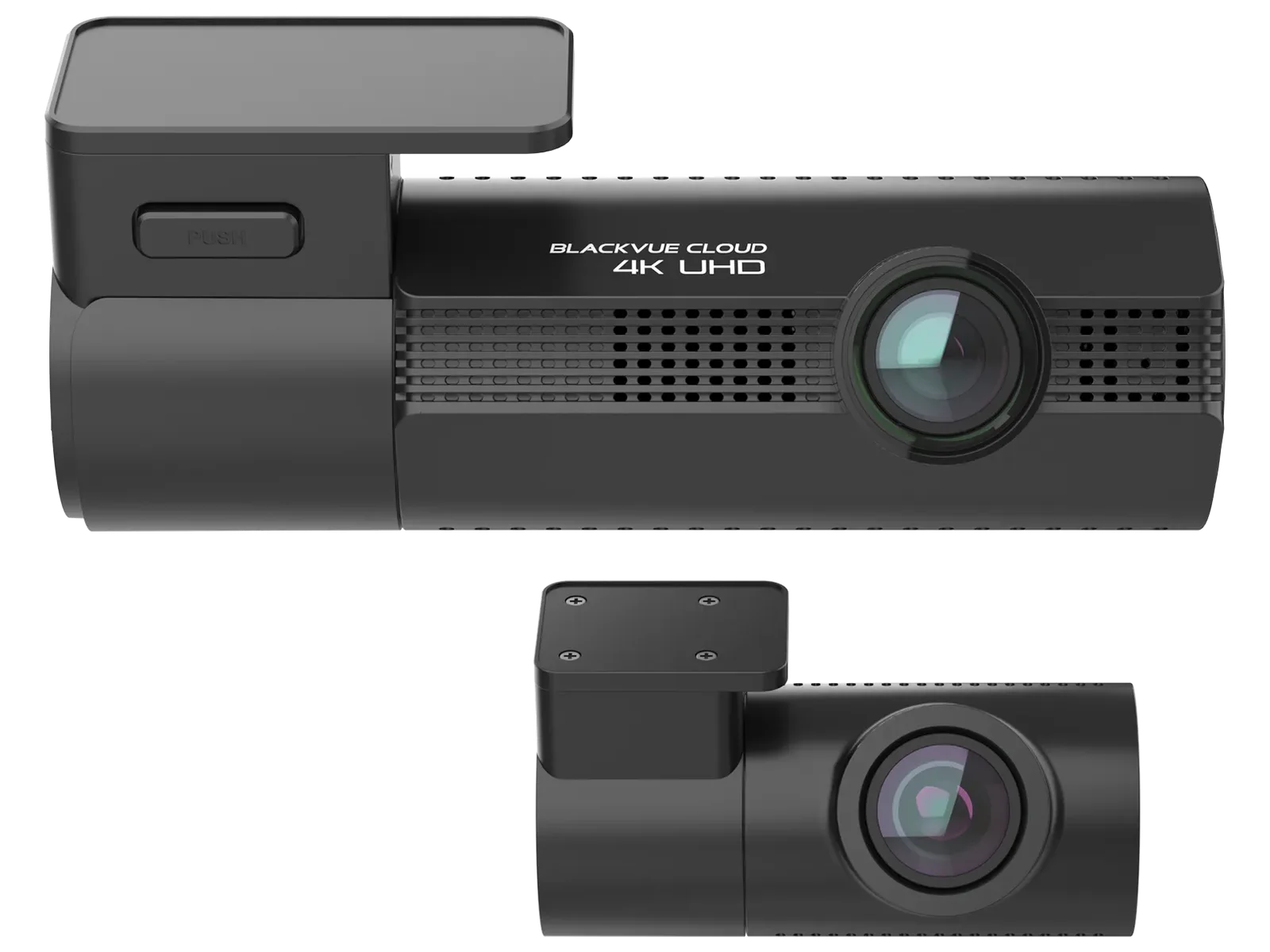
A screenless front-and-rear cloud-capable dash cam that records 4K on both cameras with STARVIS 2 IMX678 sensors. It suits owners who want 4K rear footage and BlackVue's app and cloud ecosystem.
Strengths
- 4K 30fps front and rear, each on a Sony STARVIS 2 IMX678 sensor
- Buffered parking modes record 10 seconds before an event
- Dual-band Wi-Fi, built-in GPS and microSD support up to 1TB
Watch out for
- HDR on the front camera only
- Cloud access needs the optional CM100G LTE module or a Wi-Fi hotspot
- No screen; parking mode needs the hardwiring cable or a battery pack
Filter: the top-scoring two-channel cam in scope. The Elite 10-2CH is the only cam here with 4K on the rear camera, putting a STARVIS 2 IMX678 in both front and rear so the car behind you gets the same detail as the car ahead. Behind that big back window, a 4K rear camera gives you the best chance at reading the plate of a car that rear-ends you.
DashCamTalk’s review scored daytime video 9/10 and noted rich 12-bit color from the front camera. Daily Automotive’s comparison confirmed the front footage is vibrant and detailed. The main caveat is that the rear camera lacks HDR, and DashCamTalk tester rcg530 found rear plates can blow out to white blobs in high-contrast scenes, something the Elite 9’s rear HDR handles. DashCamTalk gave the Elite 10 a value score of just 4/10, and multiple independent reviewers—Daily Automotive, Vortex Radar, DashCamTalk and Dash Cams Australia—recommend the Elite 9 for most buyers because HDR on the rear matters more than the extra pixels. If rear-plate legibility under headlights is the priority, the Elite 9 is the stronger choice; the Elite 10 earns its spot for owners who want the absolute highest rear resolution behind Tesla’s big back window.
It supports microSD cards up to 1 TB and buffers 10 seconds before a parking event. BlackVue’s manual lists the 2-channel unit at an average 380 mA in parking mode with GPS off, and under 1 mA in Power Saving mode, the most complete power data of any pick. It’s rated to 65°C. Cloud features need the optional CM100G LTE module or a hotspot.
3. BlackVue Elite 9-2CH: best two-channel with rear HDR (tied for #4)
Best two-channel with rear HDR (tied for #4)
BlackVue Elite 9-2CH
- Front resolution
- 2,160 px
- Coverage (channels)
- 2
- STARVIS 2 sensor
- Yes
- Buffered parking mode
- Yes
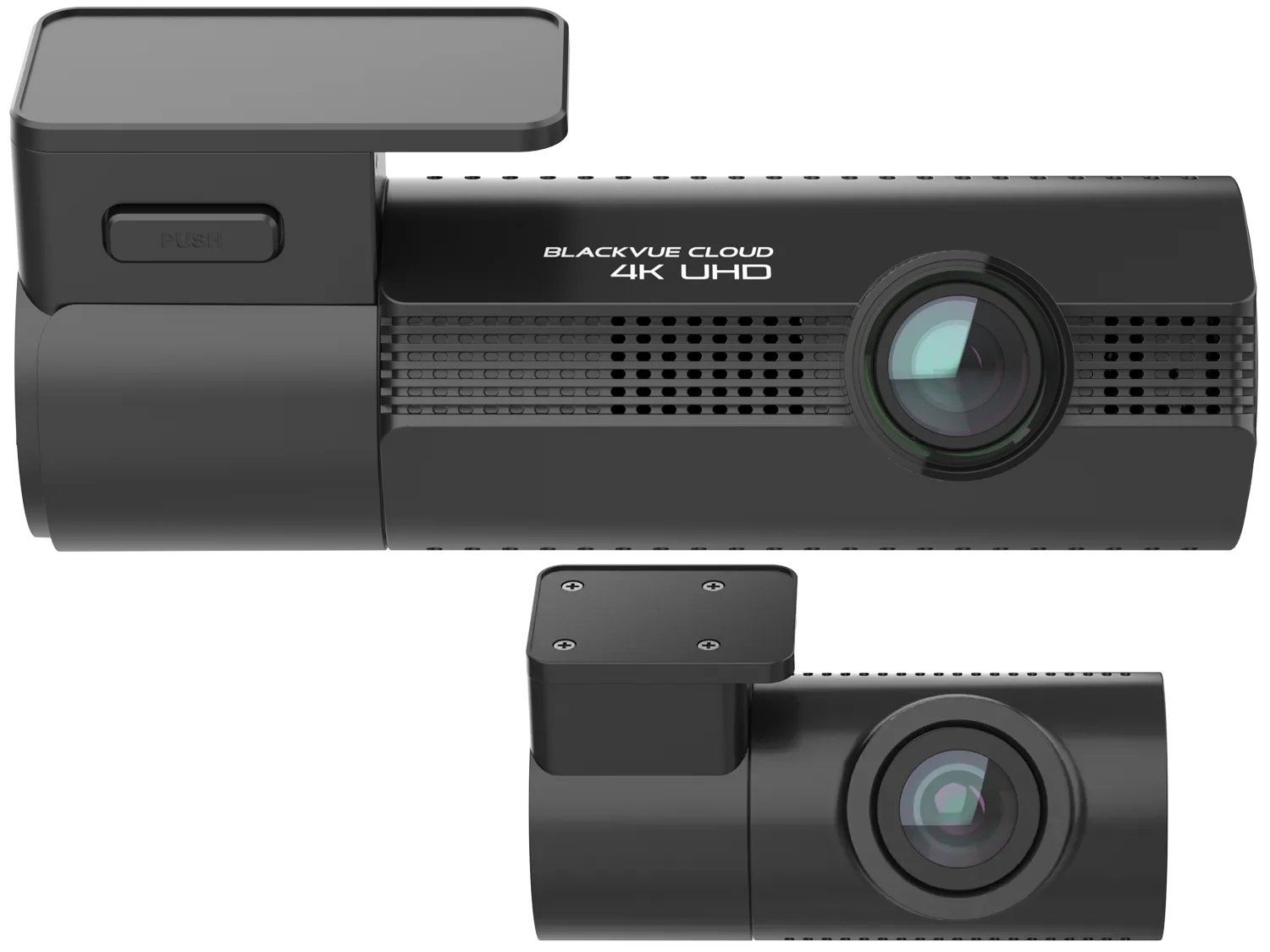
A screenless front-and-rear dash cam recording 4K front and 2K rear video with HDR on both STARVIS 2 sensors. It suits drivers who want BlackVue's app and optional cloud features at a lower price than the Elite 10.
Strengths
- Front STARVIS 2 IMX678 at 4K 30fps and rear IMX675 at 2K 30fps, both with HDR
- Power Saving, Motion Detection and Time Lapse parking modes
- Dual-band Wi-Fi and built-in GPS
Watch out for
- USB-C power does not support parking mode; it needs the hardwiring cable or a battery
- LTE needs the optional CM100G module
- No built-in screen
Filter: the top-scoring two-channel cam in scope with HDR on both cameras. It ties the Thinkware U3000 Pro at position #4 (Dashlore Score 7.3), and we list it first because its 65°C rating suits a car parked under a glass roof better than the Thinkware’s 60°C. It has a 4K front on a STARVIS 2 IMX678 and a 2K rear on an IMX675. Unlike the Elite 10, it runs HDR on both cameras, and both Vortex Radar and Daily Automotive say HDR on the rear matters more than the extra pixels the Elite 10 adds there.
Reviewer consensus on the Elite 9 vs Elite 10 is unusually clear: Daily Automotive, DashCamTalk, Dash Cams Australia and Vortex Radar all recommend the Elite 9 for most buyers, citing the rear HDR advantage and a lower price. For a deeper look, see our Elite 10 vs Elite 9 comparison.
It supports Power Saving (under 1 mA), Motion Detection and Time Lapse parking modes, dual-band Wi-Fi and built-in GPS. DashCamTalk’s review gave the upgraded 12-bit capture pipeline high marks, noting footage is “leagues ahead” of the DR970X it replaced. Early firmware brought reboots and GPS lock delays that forum owners reported, but updates are actively addressing them. One Tesla-specific catch: its USB-C power input doesn’t support parking mode, so you need BlackVue’s hardwiring cable or a battery pack.
4. Thinkware U3000 Pro 2CH: best radar parking mode (tied for #4)
Best radar parking mode (tied for #4)
Thinkware U3000 Pro 2CH
- Front resolution
- 2,160 px
- Coverage (channels)
- 2
- STARVIS 2 sensor
- Yes
- Buffered parking mode
- Yes
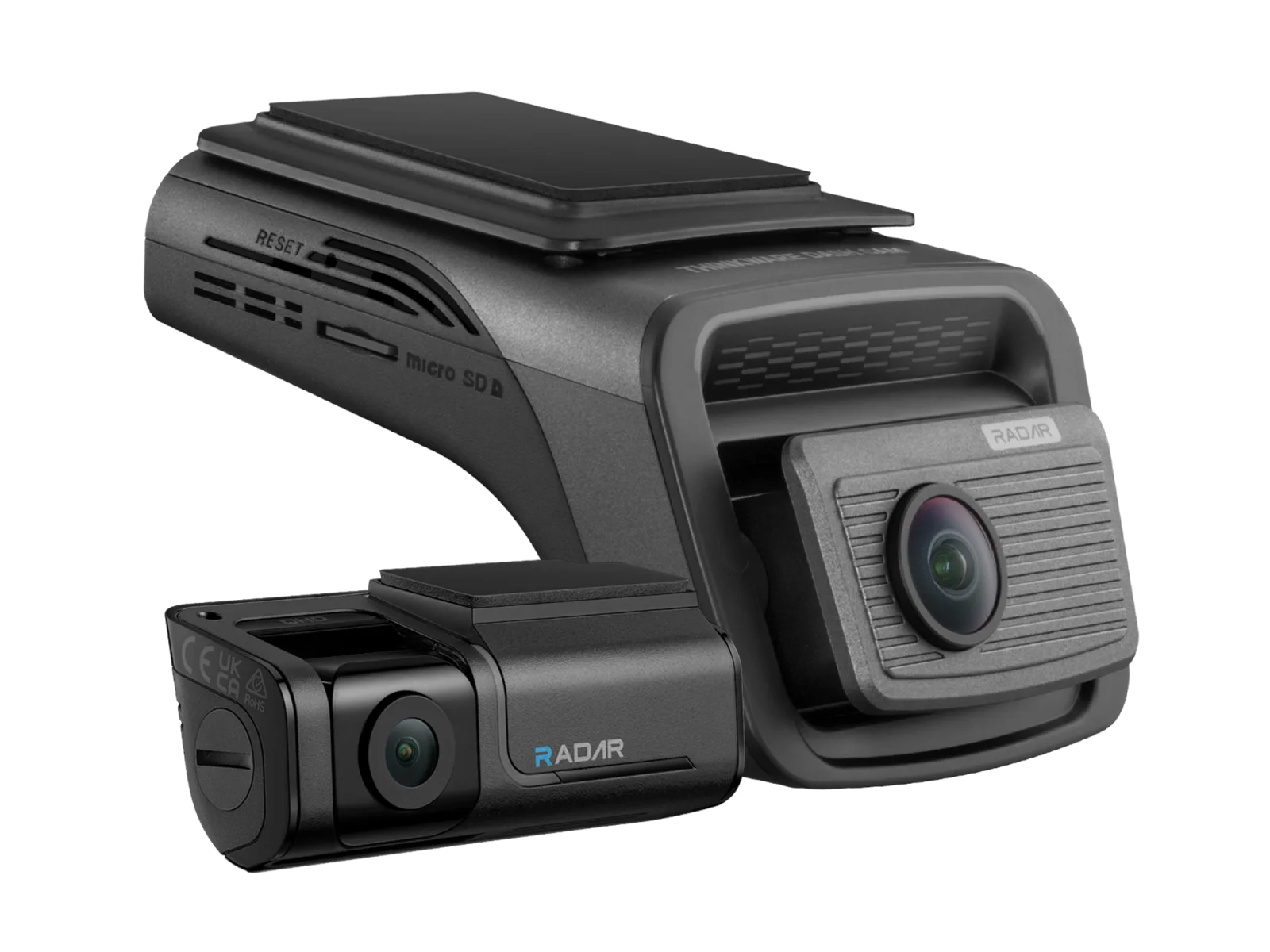
A screenless front-and-rear dash cam recording 4K front and 2K rear video on STARVIS 2 sensors, with radar built into both cameras for parking surveillance. It suits owners who want a hardwired, app-managed camera with optional LTE.
Strengths
- Front Sony STARVIS 2 IMX678 at 4K 30fps or 2K 60fps; rear STARVIS 2 IMX675 at 2K 30fps
- Radar built into the front and rear cameras for parking mode
- Buffered motion and impact detection saves 10 seconds before and after an event
- Dual-band 2.4GHz/5GHz Wi-Fi and built-in GPS
Watch out for
- No built-in screen; setup and playback are done through the app
- Cloud features need the optional LTE module and plan
- Thinkware lists a maximum operating temperature of 60°C
Filter: the top-scoring cam in scope with parking radar built into its cameras. It ties the Elite 9-2CH at position #4. Thinkware puts radar in both the front and rear cameras to detect approaching objects while parked, and buffered recording saves 10 seconds before and after each event. BlackboxMyCar reports standby draw dropped to 4.8 mA on the Pro (from 7 mA on the original U3000), with radar detection range expanding from 0.8–5 m to 0.1–10 m, so the camera can run for days on a battery pack alone.
The front records 4K at 30 fps or 2K at 60 fps on a STARVIS 2 IMX678 with a 147° view, and the rear records 2K on a STARVIS 2 IMX675, with HDR on both, per Thinkware’s spec sheet. TechMishka’s review praised the front camera’s sharp daytime 4K with H.265 at close to 30 Mbps. Night performance is more mixed: DashCamTalk’s tester found plates can become white blobs under direct headlight glare, though Shane Starnes and TechMishka found Super Night Vision 4.0 handled most conditions well.
One material caveat for a cam labelled “best radar parking mode”: Frakking Creations found a firmware bug where 33–39 seconds of footage went missing between consecutive radar triggers during sustained motion. The camera records each triggered event but doesn’t bridge the gap, so a person walking slowly past the car can produce blind spots in the recording. This is a known issue awaiting a firmware fix. Digital Camera World also notes the default radar sensitivity triggers on rainfall, so plan to turn it down after install. At 60°C max operating temperature, it’s the least heat-tolerant pick, worth weighing under Tesla’s glass roof.
How do the Tesla picks compare?
| Spec | | | | 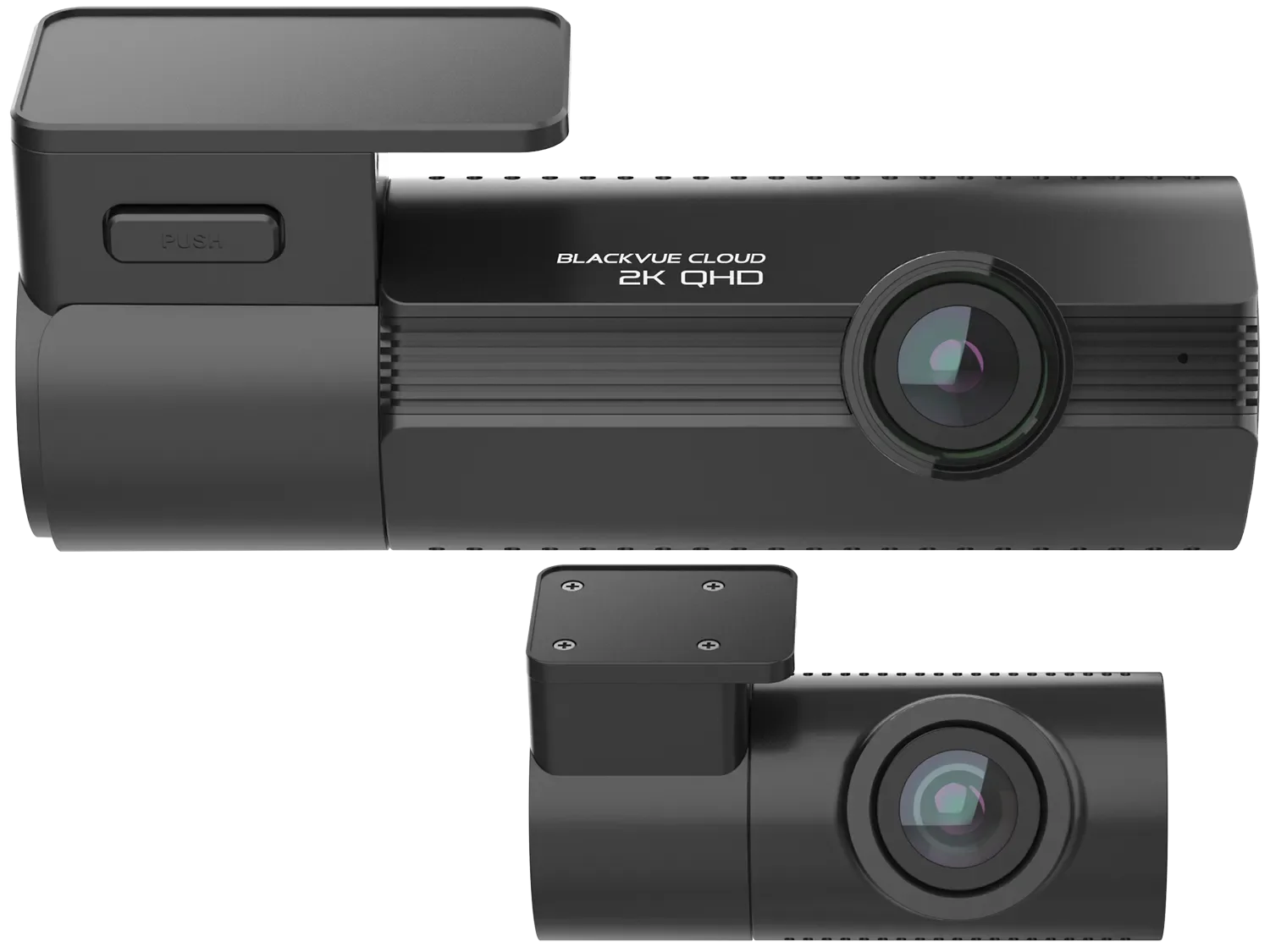 | 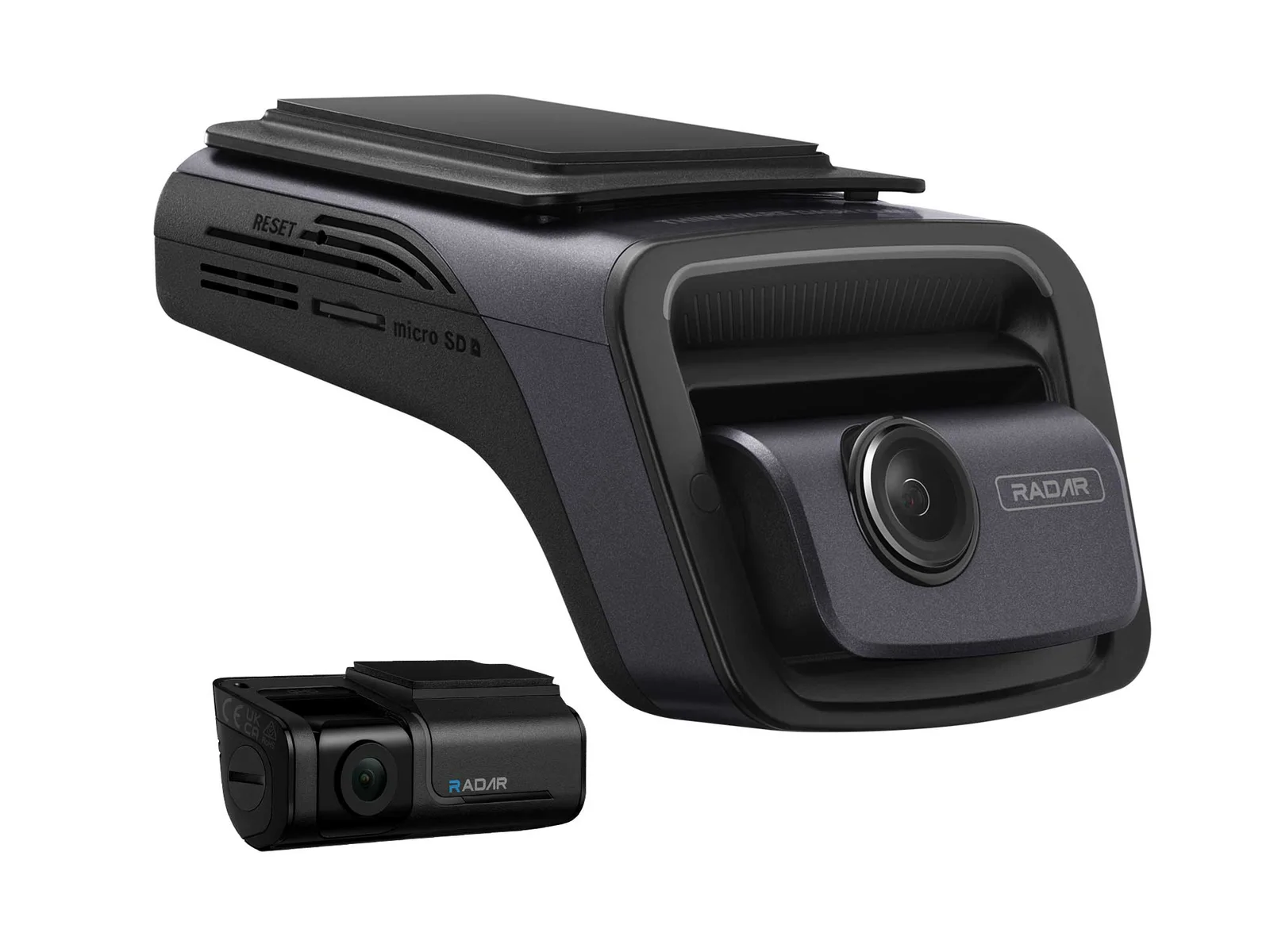 |
|---|---|---|---|---|---|
| Front and rear score | 9.0 | 8.0 | 8.0 | 6.9 | 6.8 |
| Overall score | 7.7 | 7.3 | 7.3 | 6.3 | 6.5 |
| Front resolution | 2,160 px | 2,160 px | 2,160 px | 1,440 px | 2,160 px |
| Front frame rate | 30 fps | 30 fps | 30 fps | 30 fps | 30 fps |
| STARVIS 2 sensor | Yes | Yes | Yes | Yes | Yes |
| HDR | Yes | Yes | Yes | Yes | No |
| Coverage (channels) | 2 | 2 | 2 | 2 | 2 |
| Rear resolution | 2,160 px | 1,440 px | 1,440 px | 1,440 px | 1,440 px |
| Buffered parking mode | Yes | Yes | Yes | Yes | Yes |
| Low-bitrate parking | No | No | No | No | No |
| Heat tolerance (power cell) | supercapacitor | supercapacitor | supercapacitor | supercapacitor | supercapacitor |
| GPS | built-in | built-in | built-in | built-in | built-in |
| Wi-Fi transfer | 5GHz | 5GHz | 5GHz | 5GHz | 5GHz |
| Max storage | 1,024 GB | 1,024 GB | 512 GB | 1,024 GB | 256 GB |
| LTE / cloud | No | No | No | No | No |
| Front pixels per degree | 26.3 px/° | 26.3 px/° | 26.12 px/° | 18.03 px/° | 25.26 px/° |
| Rear STARVIS 2 sensor | Yes | Yes | Yes | Yes | No |
| Time-lapse parking | Yes | Yes | Yes | Yes | Yes |
| Max operating temperature | 65°C | 65°C | 60°C | 65°C | 60°C |
| Price | $603.99 at BlackVue, Nov 20 | $518.99 at BlackVue, Nov 20 | $549.99 at Thinkware, Nov 20 | $424.99 at BlackVue, Nov 20 | $479.99 at Thinkware, Nov 20 |
| Where to buy | Check price on Amazon | Check price on Amazon | Check price on Amazon | Check price on Amazon | Check price on Amazon |
Two more front-and-rear cams qualify but miss our picks. The BlackVue Elite 8-2CH scores lower because its front camera tops out at 1440p, and the Thinkware U3000 2CH scores lower still because it lacks HDR and its rear uses a STARVIS 1 IMX335 rather than a STARVIS 2 sensor. For more options, see the full dash cam rankings or our best BlackVue and best VIOFO roundups.
Why add a dash cam when Tesla has Sentry Mode?
Tesla’s built-in Dashcam and Sentry Mode use the car’s exterior cameras and save clips to a USB drive. They’re genuinely useful, and they’re free. For a full breakdown, read our Tesla Sentry Mode vs a dash cam guide. The short version: a dedicated cam fills four gaps.
| Tesla Dashcam / Sentry Mode | Dedicated dash cam (our picks) | |
|---|---|---|
| Cabin recording | Not recorded | 2K infrared on the T330 and T340 |
| Front sensor | Tesla’s Autopilot cameras | 4K STARVIS 2 IMX678 on every pick |
| Parking recording | Keeps the car’s computer awake, using range | Runs on its own power with buffered pre-event recording |
| Independence | Tied to the car’s software and battery | Separate system, separate microSD card |
Cabin coverage. Tesla’s cameras don’t record the cabin. For a passenger dispute or a break-in seen from inside, only a cabin camera helps, and the T330’s 210° fisheye with IR covers both rows.
Purpose-built optics. Tesla’s cameras feed the driver-assistance computer, not an evidence recorder. Every pick here has a 4K STARVIS 2 front sensor, and HDR on the picks that support it keeps plates from blowing out under headlights.
GPS speed and location. Insurers and police often ask for speed and location at impact. Every pick has built-in GPS that stamps both into the clip, so the evidence travels with the file.
Independent parking recording. Sentry Mode costs range because it keeps the high-voltage system active. A dash cam on a battery pack records regardless of what the car is doing.
Where do you mount a dash cam in a Tesla?
Just to the passenger side of the camera housing behind the mirror, as high as you can go. Keep the lens inside the wiper-cleared zone and don’t let the cam or its cable cross in front of Tesla’s forward cameras. All four picks are screenless, so there’s nothing to see from the driver’s seat.
If you choose the T330, mount its separate cabin unit beside the front camera with a clear view of both rows; the T340 handles cabin coverage in the same housing. Vortex Radar notes the rearview mirror can partially obscure the driver’s head depending on mount height, so adjust during install with the VIOFO app’s live view.
The rear camera mounts at the top of the rear glass. Route its cable along the headliner and down the rear pillar trim; on a Model Y, the cable crosses from the body to the tailgate, so leave slack at the hinge. See our rear dash cam installation guide for the full cable-routing method.
State dash cam windshield laws apply. California’s Vehicle Code Section 26708, for example, limits video recorders to a 7-inch square in the lower passenger corner, a 5-inch square in the lower driver corner, or a 5-inch square at top center.
How do you power a dash cam in a Tesla?
Three options, two of which support parking mode:
- USB port. Works for recording while you drive. On the Model 3 and Model Y, USB ports sit in the center console—USB-A on pre-2021 models, USB-C from 2021 on. The 2024 refreshed Model 3 (Highland) also added a USB-C port behind the rearview mirror, the most convenient spot for a short cable run to a dash cam. The camera only gets power while the car is awake, so no parking mode.
- Hardwiring. A hardwire kit tapped to constant 12 V power gives full parking mode with a voltage cutoff. See our how to hardwire a dash cam guide for the general method.
- Battery pack. Charges while you drive, powers the camera when you park. The car’s low-voltage system never runs the cam while asleep. For Teslas, this is the route we recommend.
All four picks are supercapacitor cameras with no internal battery, so they stop recording the moment external power stops. That’s a strength in a hot car: supercapacitors survive heat that swells lithium cells. But it means parking mode always needs option 2 or 3. For a deeper look at how parking modes work, see dash cam parking mode explained.
Will a dash cam drain a Tesla battery?
Not the main pack, but it can strain the low-voltage battery. BlackVue’s manual lists the Elite 10 at 380 mA in parking mode, which a large lead-acid battery in a gas car handles overnight. Tesla’s low-voltage battery is smaller, and some models use a lithium-ion unit where lead-acid voltage cutoffs don’t map neatly.
That’s why we recommend a battery pack for parking mode. BlackVue’s Power Saving mode draws under 1 mA, and multiple reviewers confirm it can sit for weeks without measurable drain. The U3000 Pro’s radar standby is similarly frugal at 4.8 mA. Note that VIOFO’s claimed 1 mA LPID draw doesn’t match independent measurements (rcg530 measured 24–26 mA on the T330), so plan for higher draw if you choose the VIOFO route. If you hardwire instead, set the most conservative cutoff your kit allows and a short parking timer. Our guide to whether a dash cam will drain your car battery has the full current-draw and runtime math.
Which dash cam should you buy for your Tesla?
For most Model 3 and Model Y owners, the VIOFO T330 3CH is the pick: the top Dashlore Score in scope, 4K front with 2K rear and cabin on STARVIS 2 sensors, HDR on all three channels and a screenless body that hides beside the camera housing. If you don’t need a cabin camera, the BlackVue Elite 10-2CH leads the two-channel field with 4K front and rear, though reviewer consensus favors the Elite 9-2CH for most buyers thanks to its rear HDR. Choose the U3000 Pro if radar-assisted parking is the priority, keeping in mind the firmware gap in sustained-motion recording.
Weighing the two BlackVues? Our Elite 10 vs Elite 9 comparison covers them. For a broader look at screenless options, see the best hidden dash cam picks. Browse everything in the dash cam rankings.
Highest-scoring dash cams
- Our picks
- Other models
Show the numbers
| Model | Rank | Score (of 10) |
|---|---|---|
| VIOFO A229 Ultra 3CH | 1 | 9.2 |
| VIOFO T330 3CH | 2 (tied) | 9.0 |
| VIOFO A329S 3CH | 2 (tied) | 9.0 |
| VIOFO T340 3CH | 2 (tied) | 9.0 |
| Vantrue Nexus 4 Pro S (N4 Pro S) | 5 (tied) | 8.7 |
| VIOFO A229 Pro 3CH | 5 (tied) | 8.7 |
| Vantrue Nexus 4 Pro (N4 Pro) | 7 | 8.4 |
| VIOFO A229 Ultra 2CH | 8 | 8.0 |
| VIOFO A329S 2CH | 9 (tied) | 7.9 |
| 70mai Dash Cam 4K T800 | 9 (tied) | 7.9 |
| BlackVue Elite 10-2CH | 13 (tied) | 7.7 |
| BlackVue Elite 9-2CH | 19 (tied) | 7.3 |
| Thinkware U3000 Pro 2CH | 19 (tied) | 7.3 |
What reviewers found on video
YouTube videos about the VIOFO T330 3CH and BlackVue Elite 10-2CH that our research draws on. Each video is the creator's own work, and it loads from YouTube only when you press play.
VIOFO T330 3CH

BlackVue Elite 10-2CH

Frequently asked questions
What is the best dash cam for a Tesla?
The VIOFO T330 3CH. It has the top Dashlore Score (9.0) among screenless cams with a 1440p-plus rear camera, records 4K front, 2K rear and 2K cabin on STARVIS 2 sensors with HDR on all three channels. For a two-channel front-and-rear kit, the BlackVue Elite 10-2CH leads with 4K on both cameras.
Do you need a dash cam if your Tesla has Sentry Mode?
Not strictly, but a dedicated cam adds cabin recording, its own GPS speed and location log, buffered parking recording and footage that doesn't depend on the car's software or high-voltage battery. Many owners run both: Sentry for its side cameras, a dash cam for the cabin, GPS and sharper front and rear footage.
Where do you mount a dash cam in a Tesla Model 3 or Model Y?
High on the windshield, just to the passenger side of the camera housing behind the mirror. Keep it clear of the forward cameras' view and the wiper-cleared area, and within any state limit on windshield-mounted devices.
How do you power a dash cam in a Tesla?
A USB port in the center console works for driving-only recording (USB-A on pre-2021 models, USB-C from 2021 on). For parking mode you need constant power from a hardwire kit or a dedicated battery pack. Because Tesla's low-voltage battery is small, a battery pack is the safer route.
Will a dash cam drain a Tesla's battery?
It draws from the low-voltage system, not the main pack. In parking mode, draw ranges from under 1 mA in a BlackVue's Power Saving mode to roughly 380 mA in active recording. Use a battery pack or a strict voltage cutoff on Tesla's small low-voltage battery.
Can you use a dash cam and Sentry Mode at the same time?
Yes. They run independently: Sentry Mode uses Tesla's exterior cameras and saves to the car's USB drive, while a dash cam records on its own sensor and microSD card. Together they cover the cabin and give you two independent records.
Related reading
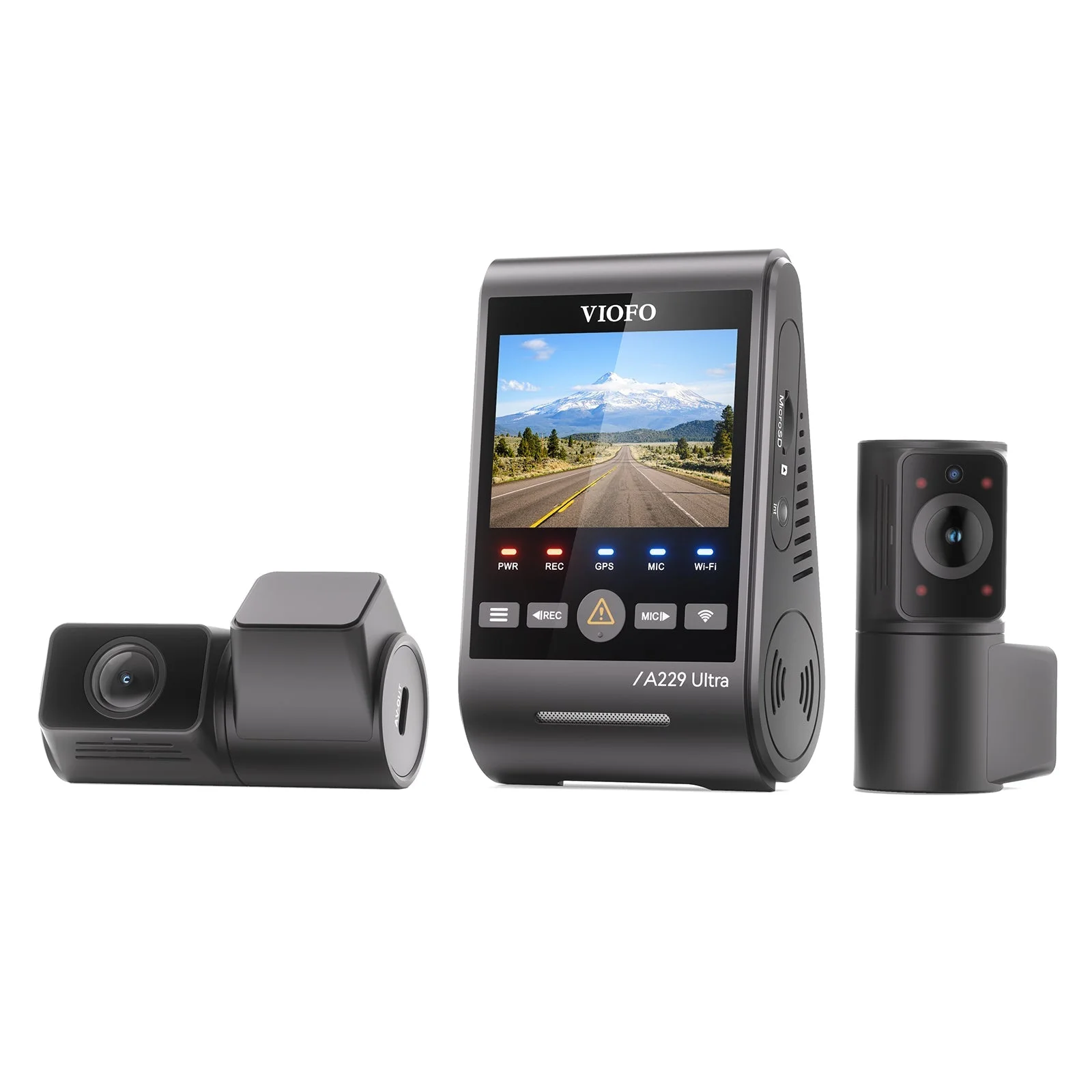
Best ofDash Cams
Best Dash Cams: Every Major Model Ranked by Spec
Every dash cam we track, ranked on a published rubric, with picks for front and rear, 4K plate detail, night driving, parking mode and under $200.
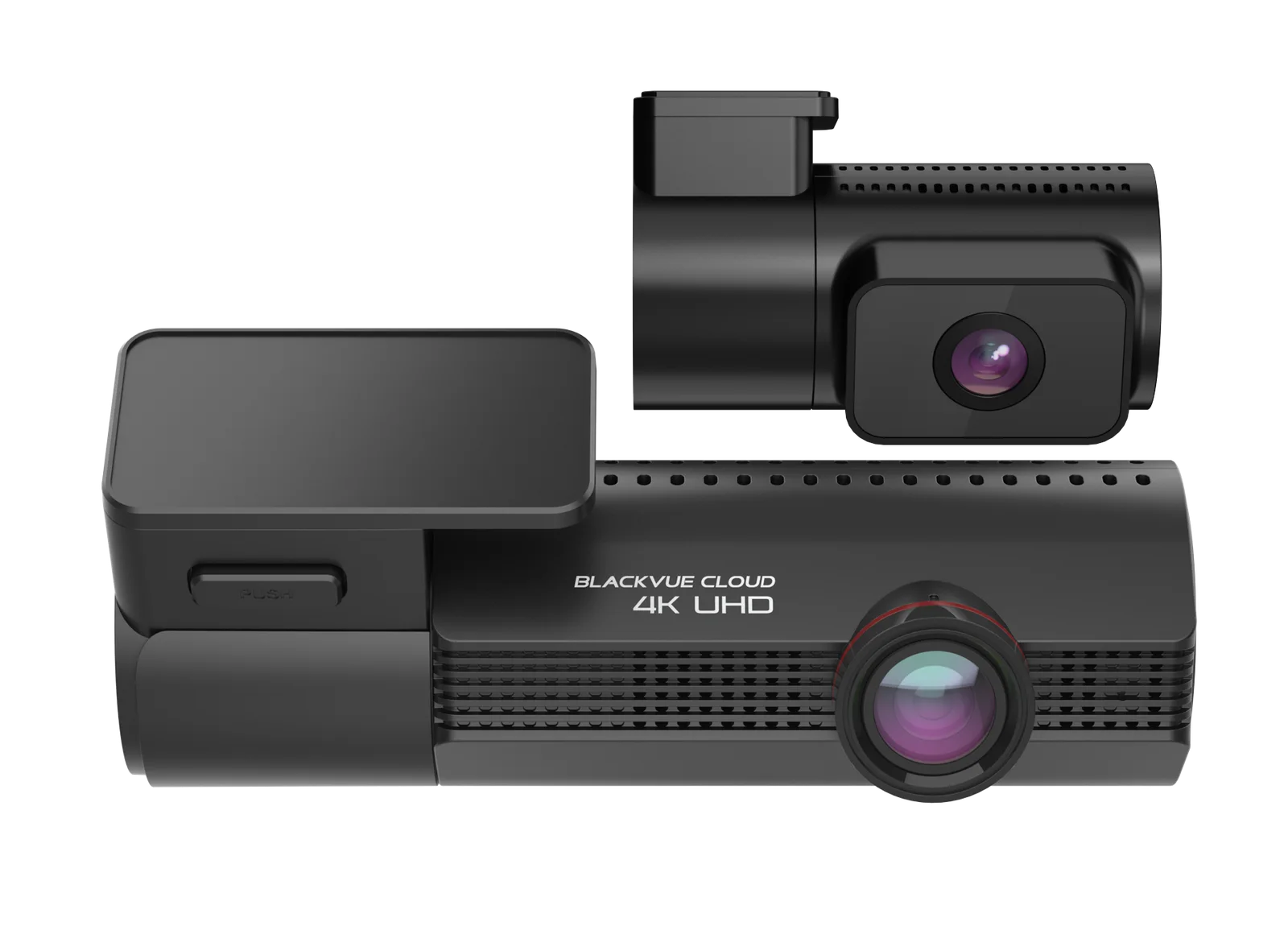
Best ofDash Cams
Best BlackVue Dash Cam: Elite and DR Series Ranked
The best BlackVue dash cam on our scores is the Elite 10 Cabin, with 4K front and 4K infrared cabin cameras. Every Elite model and the DR970X, ranked.
GuideDash Cams
Dash Cam Parking Mode Explained: Buffered vs Time-Lapse
Dash cam parking mode explained: buffered, time-lapse, low-bitrate and impact-only recording compared, with buffer lengths and which cams support each.
How-toDash Cams
How to Set Up Dash Cam Parking Mode the Right Way
How to set up dash cam parking mode on VIOFO, Thinkware and BlackVue: pick buffered or time-lapse, set sensitivity, choose a voltage cutoff, then test it.